So here is something that happened to me personally.
A good friend of mine got his WhatsApp hacked. It happens. But what happened next is what got me.
His account was in a football WhatsApp group we have been part of for years. Match banter, transfer arguments, team lineups at 2am. We were also in a few other groups together. Work groups, family groups, you know how it is.
The moment the hacker got into my friend's account, he went straight for that group. Within seconds he had demoted every admin. All of us. Just like that.
Then the messages started.
"I now own this group. If you want it back, you have to pay me."
This person, whoever they are, sitting somewhere we do not even know, had taken something that had been ours for years and was now demanding money to return it.
Of course we have not paid him. And we will not.
But here is the thing. This did not happen because my friend is careless. It happened because the attack was clever. It looked like a message from a trusted contact. It was convincing. It exploited the most natural thing in the world: the instinct to help someone you know.
That is when I knew I had to write this.
Welcome to the invisible war. You are already in it. The only question is whether you are prepared or not.
What Is Cybersecurity, Actually?
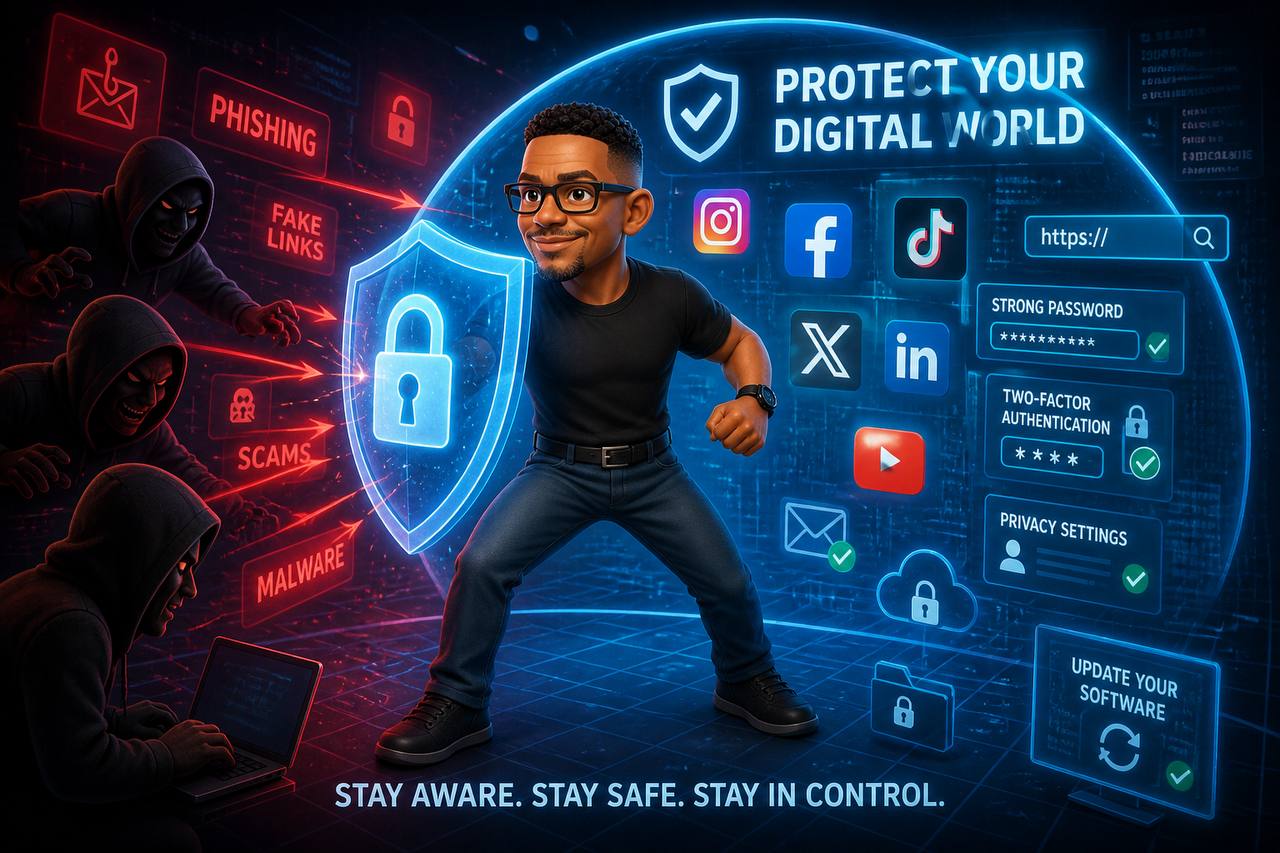
Cybersecurity is not just antivirus software and complicated passwords. It is the entire practice of defending your digital life. Your money. Your identity. Your private conversations. From people who want to take them.
Think of it like securing your house. You lock the doors. You might have a wall, a gate, a dog. Cybersecurity is the same logic applied to your phone, your laptop, your email, your social media, and increasingly, your entire financial existence.
The difference? A thief breaking into your house has to be physically present. A cybercriminal can attack you from Lagos, Moscow, or a coffee shop in Cairo without ever leaving their chair.
How You Get Attacked
Most people think hacking looks like a guy in a hoodie typing furiously in a dark room. The reality is far less glamorous and far more dangerous. The friend whose WhatsApp got hacked? It was not some movie scene. It was just a message that looked normal.
1. The Friendly Message (Phishing)
You get a WhatsApp message from "your bank" with a link. It looks legitimate. The logo is correct. The language is professional. They say there is a problem with your account that needs immediate attention.
You click the link. You enter your details. You just handed your login to a stranger.
Phishing accounts for the vast majority of successful attacks. It works because it exploits the most vulnerable part of any system: human trust.
2. The Too Good To Be True Offer
A Facebook post promises an investment with 200% returns in two weeks. A WhatsApp group offers "Mobile Money doubling." An email says you won a lottery you never entered.
These are not offers. They are traps. Every single victim thought "what if it is real?" before losing their money.
3. The Public WiFi Trap
Free WiFi at the mall. Free WiFi at the hotel. Free WiFi at the airport.
Convenient? Yes. Safe? Absolutely not.
On an unsecured public network, an attacker can see everything you are doing. Passwords you type, websites you visit, information you submit. They can even create a fake network with a legitimate name and wait for you to connect.
4. Password Reuse
You use the same password for your email, your Facebook, your mobile money app, and your Netflix. One of those services gets breached. It happens constantly. Now the attacker has your password. And they will try it everywhere. Every single place you used that password is now compromised.
5. Social Engineering
Someone calls you claiming to be from your mobile network provider. They are friendly. They know your name. They say they need to "verify your account" and ask for your PIN.
They are not from your provider. They found your name on Facebook and your number on a leaked database. And if you give them the PIN, you just authorised your own robbery.
The WhatsApp Hijack: How Your Account Gets Stolen in 60 Seconds
This is happening right now across Zambia and the region. Zimbabwe's national cyber security team has been warning citizens. Pakistan's issued an emergency advisory. This is not theoretical. My friend's football group hijack? Exactly the same method they warn about.
Here is exactly how the most common WhatsApp takeover works.
The Verification Code Trick
You receive a WhatsApp message from a friend. Their account has already been compromised but you do not know that. They say something like:
"Hey, I accidentally sent my WhatsApp verification code to your number. Can you send it back to me?"
Seems innocent. You check your SMS. There is indeed a 6 digit code from WhatsApp. You forward it to your "friend."
Game over. That code was YOUR WhatsApp registration code. The attacker was trying to register your number on their phone. By sending them the code, you just handed them the keys to your entire WhatsApp account.
They immediately lock you out, enable two step verification, and now they are you on WhatsApp. They message your contacts asking for emergency money. They join your groups. And if you were the group admin, they will demote you and demand a ransom. Just like what happened to us.
How They Actually Get the Code
The attacker does not need to "accidentally" send anything. They simply install WhatsApp on a new phone, enter YOUR number, and request the verification code. The code arrives on YOUR phone via SMS. Then they message you, often from a friend's already hacked account, with a convincing story.
This is called social engineering. It works because the message comes from someone you trust.
The Call Forwarding Attack
A more sophisticated version: the attacker calls you pretending to be WhatsApp support, your mobile provider, or even a friend in distress. They ask you to dial a seemingly harmless code on your phone. Something like 21[number]# or 405#.
What you just did was forward all your calls to their number. Now when WhatsApp calls to deliver the verification code by voice, a backup method, the attacker receives it. They never needed you to send anything.
The QR Code Trick
Someone you do not know approaches you at an event, a mall, or a bar. They are friendly. They want to connect on WhatsApp. They pull up WhatsApp Web on their laptop and ask you to scan the QR code.
But it is not WhatsApp Web. It is WhatsApp Desktop paired to YOUR phone. Scanning that QR code links your WhatsApp to their device. They now have full access. They can read your messages, see your contacts, and download all your media.
How to Protect Your WhatsApp
The Instagram Trap: Blue Badges, Copyright Strikes, and Fake Friends
Instagram is a different battlefield but the enemy uses the same weapons: urgency, fear, and flattery.
The "Copyright Violation" Scam
You get a DM from "Instagram Support" or "Instagram Copyright Team." It looks official. They say you have violated copyright and your account will be deleted within 24 hours unless you appeal. There is a link.
Panic sets in. You click. The link takes you to a login page that looks exactly like Instagram's. You enter your username and password to "appeal."
You just handed your credentials to a fake login page. Your real Instagram is now compromised.
Phishing accounts for nearly half of all Instagram takeovers. The copyright infringement angle is the most effective because it creates instant panic.
The Blue Badge Bait
You get a message saying your account has been selected for verification. Free blue badge. Just click this link and confirm your details.
Instagram never offers verification through DMs. Never. If you want a blue badge, you apply through Instagram's own settings. Any DM offering one is a scam.
The "Friend in Need" DM
A friend's account messages you: "I am locked out, can you help me get back in? Instagram is going to send you a link."
That link is a password reset link for YOUR account. The attacker is trying to take over your account the same way WhatsApp hijackers do. Once they have your account, they will use it to scam your followers.
The "I Found Your Photos" Link
A DM from someone you do not know: "OMG is this you in this video?" followed by a link and a shocked emoji.
Curiosity kills the cat. You click. The link either installs malware or takes you to a fake login page. Either way, you lose.
How to Protect Your Instagram
You Have Probably Already Been Attacked
Here is the uncomfortable truth: if you have been online for more than a few years, your data has almost certainly been leaked. Email addresses, phone numbers, passwords. Massive databases of this information circulate freely.
Check your email on haveibeenpwned.com. It is a legitimate security site that tells you which breaches your information appears in. Most Zambians who check are startled by the results.
The question is not whether someone has tried to attack you. It is whether they succeeded.
Things That Actually Protect You
You do not need to be a security expert to be dramatically safer. These things will prevent the vast majority of attacks:
1. Use a Password Manager
Stop trying to remember passwords. Use an app like Bitwarden, it is free, or Google Password Manager. Let it generate and store unique, strong passwords for every service. One master password to remember. That is it.
2. Turn On Two Factor Authentication
Every important account, your email, banking, social media, should require a second verification step. Usually a code from your phone. Even if someone steals your password, they cannot access your account without your phone.
3. Never Click Links in Unexpected Messages
Your bank will never ask for your password via WhatsApp. Mobile Money will never "verify your account" by SMS link. If you did not initiate the conversation, do not click the link. Call them directly using a number you already trust.
4. Keep Everything Updated
Those annoying software update notifications? Install them. Most updates patch security holes that attackers are already exploiting. This applies to your phone, your laptop, your apps, everything.
5. Back Up Your Data
If ransomware hits, if your phone is stolen, if your laptop dies, you are fine if you have backups. Use Google Drive, an external hard drive, or both. The rule: if you would be upset to lose it, back it up.
6. Lock Down WhatsApp and Instagram Specifically
These are your most exposed accounts. Enable two step verification on WhatsApp right now. On Instagram, use an authenticator app for 2FA, not SMS. Check which devices are logged into your accounts monthly. If a friend sends you an unexpected link or asks for a code, call them to verify. Voice only.
So Here is the Question
Take a moment and think honestly.
Do you think you have ever been hacked? Maybe a WhatsApp account that got taken over. An Instagram you lost access to. A friend who messaged you asking for money and it was not really them. A strange transaction you could not explain. Drop your story in the comments. You might help someone avoid the same trap.
And if you think you are completely safe, what makes you so sure?
Because the attackers are not taking a day off. And neither should your defences.
GizmoGear is Zambia's source for honest tech reviews and practical digital safety advice. Got a security question or a story to share? Reach out at editor@gizmogear.tech.
Quick Security Check (Do This Right Now):