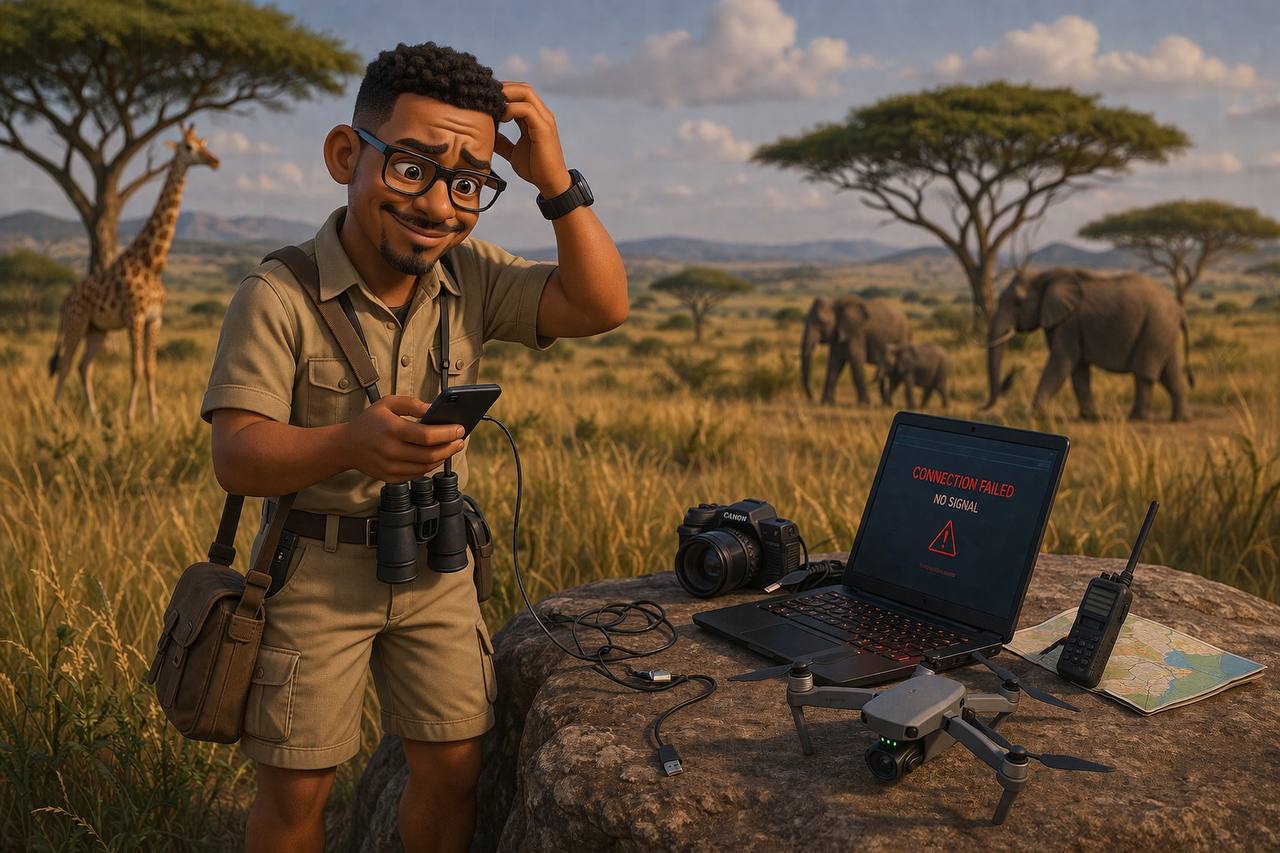
So I got called to attend a series of meetings in Lower Zambezi. Before I even left Lusaka, I knew a few things: there was no network out there, no electricity to speak of, and it was going to be all bush and bugs. Oh, and animals too. Lots of them. Did I mention the animals?
First things first. What do you pack for a trip like this, beyond the obvious safari clothing?
My wife is a content creator, so her kit was a little more considered than most. She carried her iPhone, a set of DJI microphones, and her brand new DJI Osmo Pocket 3 with the swivel screen. I carried my iPhone 16 and the DJI Osmo 7 phone gimbal. And because I'm me, I also carried my Starlink Mini in its cute little bag. Just in case.
Getting There
We boarded a seriously tiny plane, a 4-seater. First observation: the thing flies low. Surprisingly low. I was still getting cellular signal on my phone until we crossed the Zambezi Escarpment, and then darkness. Complete cellular blackout. The kind where you stare at your screen and nothing happens.
We landed at Royal Airstrip in Lower Zambezi. From there, no network, no WiFi, nothing until we reached camp on the Chongwe River. And this is where the Starlink Mini earned its place in my bag.
The Internet Question
Camps in Lower Zambezi now have internet, thanks to Starlink. The question isn't whether you can get online, it's how you redistribute that connection once you're there. Cheap equipment gets you poor service. That's a conversation for another day, but it matters when you're trying to upload a video or join a Zoom call from a tent in the bush.
The Gear, Honestly
Here's what we actually used, in order of how much we touched it:
DJI Osmo Pocket 3: The wife's new favourite toy. The swivel screen makes it so easy to use one-handed, and the stabilisation is genuinely impressive when you're bouncing over dirt roads in a safari vehicle. Video quality at 4K is crisp, and the low-light performance handled sunset game drives better than I expected. We saved most of our video content here.
Battery life is decent but not infinite. We were charging it most evenings.
iPhone 16: Both of us reached for our phones constantly, not for calls (there was no signal) but for photos, short video clips, and notes. The iPhone 16's camera system is genuinely brilliant for wildlife photography when you don't have a dedicated setup. Quick to pull out, great autofocus, excellent in mixed light.
Downside: when the Starlink was the only internet, using cellular data for anything was not happening. Everything had to be saved locally and uploaded later.
DJI Osmo 7 Phone Gimbal: I used this way more than I expected. The phone gimbal gives you stabilisation that a handheld rig simply can't, and it's light enough to just live in your lap on a game drive. The DJI app gives you subject tracking, which is genuinely useful when you're trying to film something that's moving through long grass.
Works best with a phone that has good low-light performance since the gimbal doesn't fix that part.
DJI Microphones: Two transmitters, one receiver. The wireless range impressed us. We were getting clear audio from about 30 metres line-of-sight on the receiver. These are now standard kit for any content work. The lapel mics are small, the case charges everything, and the USB-C charging meant they worked off the same power bank as everything else.
The only thing to watch: in a moving vehicle with the windows open, you get wind noise. Which sounds obvious but it really cuts through on playback.
Anker 25,000mAh Power Bank: Not optional. Everything runs off batteries out here, and the only reliable power source is whatever you carry in. We had an Anker 25,000mAh power bank which comfortably handled two full charges on both phones plus the gimbal and microphones. Get one with pass-through charging so you can charge your devices while the bank itself is charging.
The rule is simple: if it has a battery, you need a way to recharge it.
Starlink Mini: Look. I know this sounds excessive. A Starlink terminal at a safari camp. But hear me out.
When you're on a work trip and you need to join video calls, send large files, or just have a reliable connection for navigation and emergency communication, the Starlink Mini is the only thing that actually works. Not a mobile hotspot. Not a local SIM. The actual internet.
Setup takes about 5 minutes. It's not small. The bag I carry it in is the size of a small school bag, but once it's running, it genuinely just works. We had it on the camp's back terrace and picked up signal from the Chongwe River area.
The caveats: it needs a clear view of the sky (trees interfere more than you'd think), it's expensive to run, and the power consumption is real. We used a portable power station to run it off-grid.
The Content Workflow Problem
Here's the thing nobody talks about: you shoot all day, you've got gigabytes of 4K footage, and then you try to upload to the cloud.
At Chongwe Camp, the WiFi works but at safari camp speeds, uploading 10GB of video is not realistic. iCloud won't back up. Dropbox won't sync. YouTube uploads time out.
The actual workflow we settled on: shoot all day, save to local storage, charge everything at night, and do the uploads from somewhere with proper bandwidth. For a content creator, this means you need a robust local backup system. Not just a phone. A laptop with decent storage, or at minimum a fast external SSD, and a card reader that doesn't waste your time.
Cloud sync is a luxury for places with fibre. Out here, you're your own backup strategy.
What a Camp Like This Actually Needs
Having spent time at Chongwe Camp and thinking about what technology would make a place like this work better for content creators, remote workers, and just general modern safari guests, here's what I'd suggest:
1. Starlink, But the Right Setup: The camp already has this. The next step is a proper outdoor-rated access point that distributes the signal across the camp grounds, so guests aren't relying on their own mobile hotspots. A UniFi Dream Machine SE or similar, hardwired to the Starlink, would give you enterprise-grade coverage and the ability to manage bandwidth per guest.
2. A Local NAS for Content Workflows: This is the big one. A Network Attached Storage device on the camp's local network means guests can back up photos and video directly from their devices over WiFi, no cloud needed. For content creators especially, this is the difference between shooting freely and constantly worrying about storage. Synology makes good models that are quiet and energy-efficient enough for off-grid solar setups.
3. Solar Power Infrastructure: Starlink runs on power, cameras need charging, phones die. A camp that invests in a solid solar plus battery backup system means the tech always works when guests need it.
4. A Shared Content Editing Station: For camps that host photographers and filmmakers, one well-spec'd editing workstation (Mac Studio or similar) that guests can book time on, backed up to the NAS, would be a significant differentiator.
5. Better Power Distribution in Tents: Charging cables everywhere is messy and unsafe. A single, well-placed USB-C PD charging station per tent, built into the furniture, means guests aren't hunting for plug points.
6. Flat High Performance Dish: For camps running multiple access points, security cameras, and a NAS simultaneously, the Flat High Performance dish is worth the upgrade.
Final Take
The Zambezi is one of the most remote, beautiful places in Africa. The wildlife is extraordinary, the landscape is unlike anything, and the lack of infrastructure is part of the charm. But charm doesn't help you upload a video file before your flight home.
The gear we brought worked. All of it. The DJI kit especially surprised me with how well it handled the conditions. The Starlink was, frankly, essential, not a luxury.
The camps that figure this out, that understand their guests are content creators, remote workers, and modern travellers who still need to be connected, will have a significant advantage over camps that treat internet as an afterthought.
The bush doesn't have to mean disconnected. It just means you have to be more intentional about your setup.
What's in your safari tech kit?